Initial Startup
When first opening the application, you will be prompted with a File Dialog and a What's New Dialog. You may close both of these.
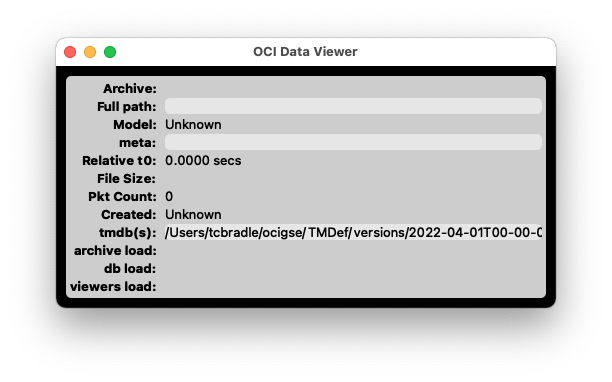
The main window (see below) displays information about the loaded archive. Depending on the operating system, the main menu may appear either at the top of the window or in the system menu bar at the top of the screen. If the menu bar is not visible, click the main window to bring it into focus.
Closing this window will exit the application.